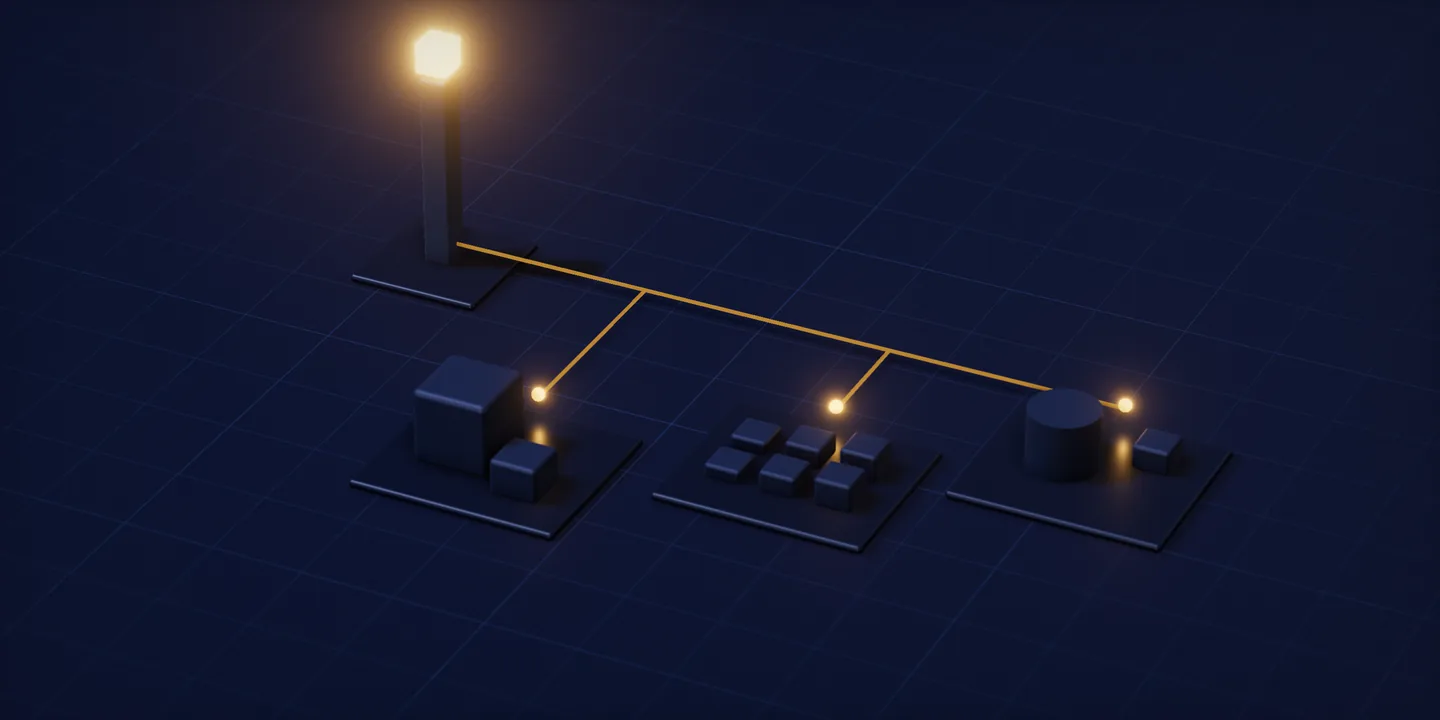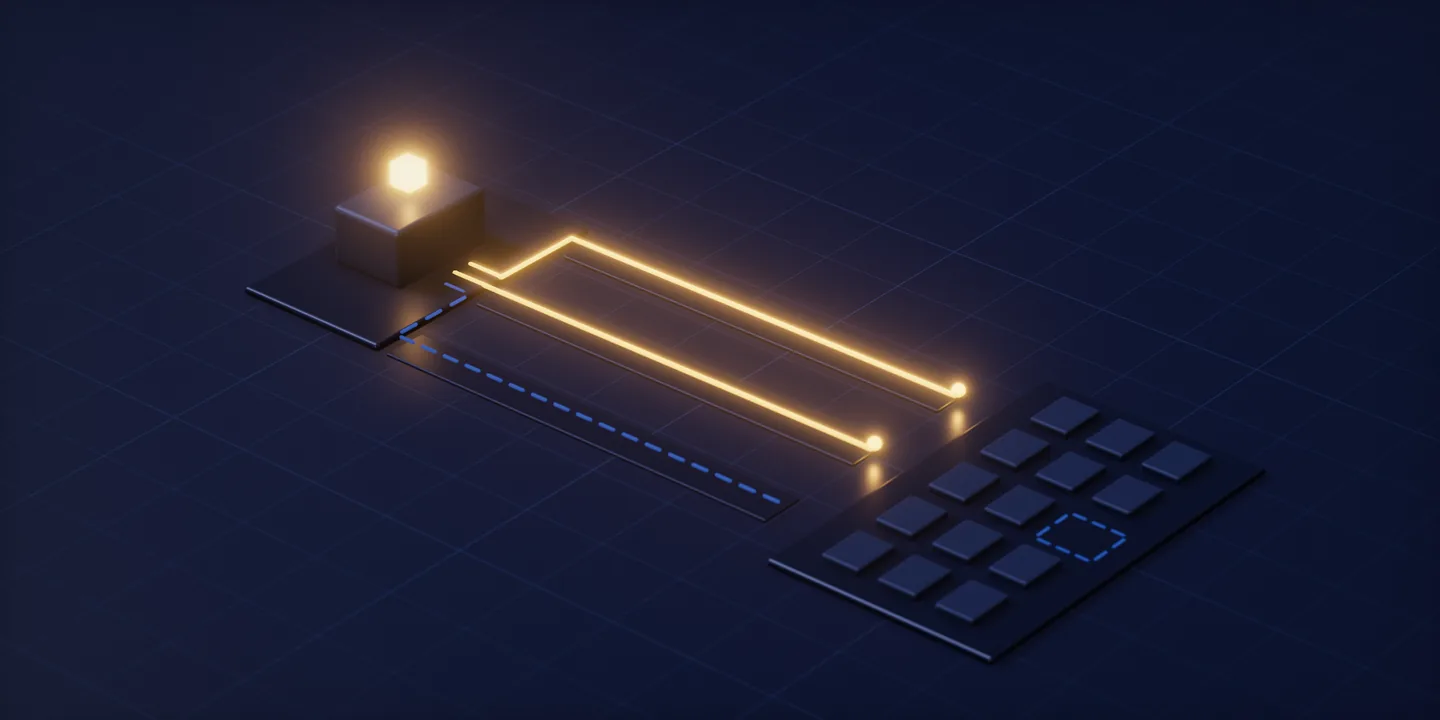
Replacing a printed catalogue, menu, or card with software means carrying on the job the paper was doing: opening instantly, installing nothing, asking for no data. That job gets named before any file format is chosen; a different description produces a different product from the same content. The limit belongs here too: where content never changes, splitting the address from the page buys nothing and still costs a panel to maintain.
It helps to look at paper as a tool before looking at it as content. A printed menu puts choices in front of someone standing at a counter. A brochure describes the car that will not fit on the showroom floor. A card carries a phone number from one hand into another. All three run on the same quiet contract: they ask the reader to prepare nothing at all. You pick it up, it is already open, and it is finished.
Software breaks that contract without meaning to. A download step, an account screen, a page that arrives late, a form slipped in halfway; each one asks for something the paper never asked for. What follows reads three pieces of our own work against a single test: a showroom kiosk, a QR menu behind a butcher’s counter, and the business card platform we are building right now. The test is one question. Which property could the paper not have worked without, and is that property still standing in the software version?
Name the job before you name the technology
A showroom floor holds as many cars as it holds, and that number sets how much of the range a visitor can see. Busy hours set a second limit, because the advisors who could answer a question are already with someone. A printed brochure sits between those two limits: it tells the visitor about the models that are not on the floor and about the differences between specification packages. Its job is not selling. Its job is making the invisible part of the range visible.
Naming that job wrong costs something, and the cost only shows up later. Describe the brochure’s task as “showing the catalogue” and what gets built is the paper reproduced on glass: the same layout, the same ordering, a document someone scrolls. Describe it as “making the unseen part of the range visible” and the screen’s opening question changes. Which model is this person looking for? Where do they read the difference between two specification packages? The same content produces two different products, and the description is what separates them.
A person reading a menu at a butcher’s counter stands somewhere else entirely. They are not a seated reader with time to spend. They are standing or at a table, choosing within a few seconds. A printed menu is there to put the options in front of them inside those few seconds. The menu gets read once and put down, and nobody expects a second visit.
A business card’s job is narrower still: carry a contact detail. But the card is printed once while the business it describes keeps moving. A number changes, a title changes, an address goes stale. The box of cards either keeps circulating a detail that is wrong, or the whole run gets printed again. The job the card does holds still for years while the detail printed on it goes out of date.
None of those three descriptions contains the phrase “put the paper on a screen.” That is where the switch actually starts, and every technical decision hangs beneath it. Without the description there is no test left to apply. Does the page look good? How many sections does the menu carry? How many photographs fit on screen? All answerable, none of them telling you whether the paper has been replaced.
Three properties paper never charged for
What makes paper work is not its content but the way a reader reaches that content. Three properties build that access, and all three stay invisible, because on paper they arrive at no cost.
It opens instantly. A printed menu is already open in your hand. There is no such thing as a load time, and no gap between looking and reading. In software this bar is held by having the page arrive without delay over whatever connection reaches inside the venue.
It installs nothing. The threshold for a brochure is a single action: pick it up. No device, no account, no application, no session. On the kiosk that threshold was kept exactly as it was: the visitor walks up to the screen and touches it.
It asks the reader for nothing. Someone handed a business card gives no identity in return. Paper does not know who reads it and has no interest in finding out. We are building QRVizit on the assumption that making a scanner install an application would leave the card with no job at all.
Drop any one of the three and the job the paper was doing drops with it. The table below puts each property’s printed form next to its software form.
| Property kept | On paper | In software | Project |
|---|---|---|---|
| Opens instantly | The menu is already open in your hand; there is no load time | Vue 3 single page: the only wait is the first load, and section changes send no new request to the server | Çatalca Merkez Kasap QR menu |
| Installs nothing | Picking up the brochure is enough; no device and no account | The application sits on the store’s own touchscreen; the visitor sees no download and no sign-up step | KGM SsangYong showroom kiosk |
| Asks the reader for nothing | Whoever takes the card gives no identity in return | The phone camera opens the page directly; the reader sees no registration step — this is the model we are building now | QRVizit (in development) |
The third column is read through the second: whatever paper hands over for free, software has to produce at a price. Each row’s technical decision is what that price bought.
Whose screen does the content live on
The earliest decision in any of these projects is where the content will physically sit. In the kiosk application that does the printed catalogue’s job on the dealership’s own screen, that decision was made at the start: content lives on the touchscreen standing in the showroom and never enters the visitor’s device.
The value of the decision shows up in the problems it never created. Had the content gone to the visitor’s phone, a queue of questions would have followed. How does it get installed? Is it worth installing for a visit of a few minutes? Does it need an account? Does it collect personal data, and under what consent? On the kiosk none of those questions ever came up.
The interface follows the same logic. The person using it is on their feet, seeing the screen for the first time, and in a hurry. Touch targets, type size and navigation depth were all set against that description, so the result is not a phone layout scaled up. It was written from one codebase with React Native (Expo), and when content is updated the screens in the store are fed from that same source.
It is worth being concrete about why that distinction matters. Phone interfaces assume a seated user holding the screen close, willing to go back a step and try again. Someone in a showroom is standing an arm’s length away, and as navigation depth grows they walk off instead of going back a step. Same content, same codebase, a completely different arrangement of it.
Putting the device in the business’s hands does not scale everywhere. A showroom carries the whole range on a small number of screens, and that works. Applying the same logic to a food counter, with a screen on every table, would bury the QR menu’s job under hardware it never needed. On the butcher’s side the content opens on the reader’s own phone and the business runs no equipment. The trade is visible: load speed now depends on whoever is reading. On the kiosk that dependency does not exist at all, but the business takes on a screen, its power and its upkeep. Choosing between the two ends comes down to where the content is actually consumed.
The address is printed once, the record behind it keeps moving
A printed code does not carry information. It carries an address. The distinction looks small and it decides the whole process. On the Çatalca Merkez Kasap menu the price is content on the page, so when it moves the work goes to the page rather than to a printer. The codes already printed on tables and in the window are left alone, because the address they point at has not moved.
We are currently building the business card platform where the printed code holds still while the page behind it changes, and the same split is the core of the product. The address behind the code printed on a card is set once. The profile page that code opens is edited from a panel as often as needed. When a number or a title changes, the cards waiting in the box stay valid.
A permanent address has a cost of its own: the same code is scanned again and again, and sending every scan down to the database would be waste. We serve page content from a Redis cache, so the records sit in MySQL without every scan reaching them. The management panel and the page a visitor sees live inside one Laravel application, with Inertia feeding the React interface and no separate API layer in between. There is one reason for that: editing content should not mean updating a second service as well.
In a content management setup where an update is not treated as a reprint, the first thing we ask is which fields will stay in the business’s own hands. Every field that cannot be changed from the panel becomes a request that comes back to us later, and at that point a record edit has quietly turned back into a project step.
The counter-case belongs here. If the content genuinely never gets updated, splitting address from content buys nothing. The split brings its own upkeep: a panel, a permission scheme, a record to maintain. For a text printed once and never revisited, that upkeep is paid for nothing in return.
There is also something the split does not fix. Separating address from content does not keep content current; it only moves the act of updating from a print shop to a panel. In a setup where nobody sits at that panel, the page goes stale exactly the way paper does. The difference is what fixing it costs: an edit to a record, rather than another print run.
The weak connection nobody puts in the brief
The person reading the butcher’s menu is standing on whatever connection reaches inside the shop, deciding within seconds. Put those two conditions together and a menu published as a photograph or a PDF loses twice over. The file downloads slowly, and once it has downloaded it asks to be pinched and zoomed on a phone screen. More often than not the page gets closed before it is read.
Publishing the menu as a file looks like the cheapest possible switch, because the menu already exists as a design file and exporting it takes minutes. The price is that it drops two of paper’s properties at once. File size ends instant opening; a fixed page layout ties reading to zooming. Paper asked for neither. A file asks for both.
So the menu was built as a text-based single page with Vue 3. The only wait happens on the first load; after that, moving between sections stays inside the page and sends no new request to the server. The single-page arrangement is a connection strategy here. Pages that come down from the server ready to read, and still open on a weak connection, are what paper’s instant opening translates into.
That decision has a second face in scope. Ordering, payment and stock layers are absent from the menu as part of the same speed decision. Every layer adds a dependency to the first load, and added dependencies are felt hardest exactly where the connection is weakest.
The kiosk answers the same threshold from the opposite end. Because the content sits on the store’s own device, it does not depend on the visitor’s connection at all; the screen opens at the same speed during the busiest hour of the week. Both projects protect the same property. One does it by keeping the page light, the other by taking the connection out of the equation entirely.
Section addressing is the one behavior the switch adds
Everything above is preservation. In the QR menu where each section carries its own address, there is one behavior the switch genuinely adds.
Every section of the menu has an address of its own. The codes printed for tables and for the shop window are not identical: they all open the same single page, but each one starts its reader at its own section. The code in the window opens the group of products someone is standing in front of; a code on a table opens something else. Share the link to a section and the other person starts at the same point, with no scrolling down from the top.
Section addressing also asks something of the printing side. Before anything is printed, somebody decides which code opens which section, so the window code differs from the table code by design, and that difference is the mechanism itself. Printing one code for everything would have been easier, and the page would still have opened. The one thing gained would have been lost right there.
Printed paper has no equivalent. Every copy opens at the same cover, and paper cannot choose where its reader begins. Differentiating copies would mean separate print runs, and a sheet that changes depending on who is standing in front of the counter is an arrangement nobody would agree to operate.
The new behaviour the switch adds stops at section addressing. Everything else carries on doing what the paper already did: the menu shows options, the kiosk explains the range, the card carries a contact detail. Setting the expectation there is what makes the outcome measurable afterwards. Overstate the gain and the first casualty is the test itself.
A layer beyond the paper’s job weakens the switch
What weakens these projects is usually excess rather than shortage. On the butcher’s menu there is deliberately no ordering, payment or stock layer. The job a paper menu did was showing options; taking an order and taking payment are jobs paper never did. Adding them would have carried two separate costs. The technical one: new dependencies on the first load, felt immediately by a reader on a weak connection. The business one: a new system in front of the person behind the counter, needing attention during the working day.
The kiosk made the same call on the data side. A printed brochure asked the visitor for nothing at all. Putting a contact form on the screen would have inserted a question the brochure never asked, and raised a threshold that was previously “walk up, touch, look.” The visitor browses without leaving any personal data behind, and no technical limitation forces that; it is a decision to stay faithful to what the paper did.
One question settles scope. Is this layer inside the job the paper was doing, or outside it? Inside, and the software takes it over. Outside, and it is a separate decision that deserves its own test rather than a place attached to this one. Where that line is not drawn, the switch keeps widening and the part carrying the original job slows down with it. A menu that opens late because of an ordering layer is worse at showing options than the paper it replaced.
In the end the test comes down to three questions, and all three are asked from the reader’s side. Did the page arrive straight away? Did they have to install anything? Were they asked to give something in return? If the answers match the paper’s, the switch has held. If even one of them diverges, the paper was still the better tool.