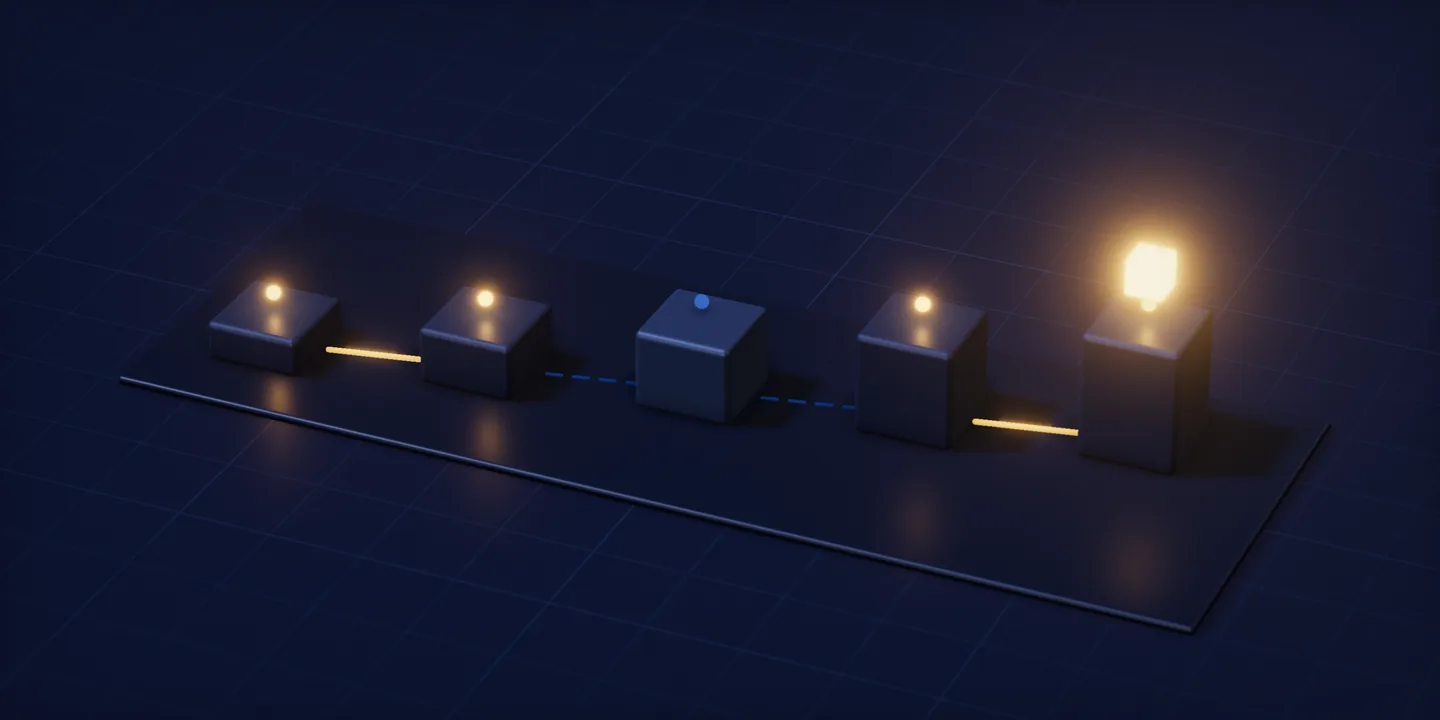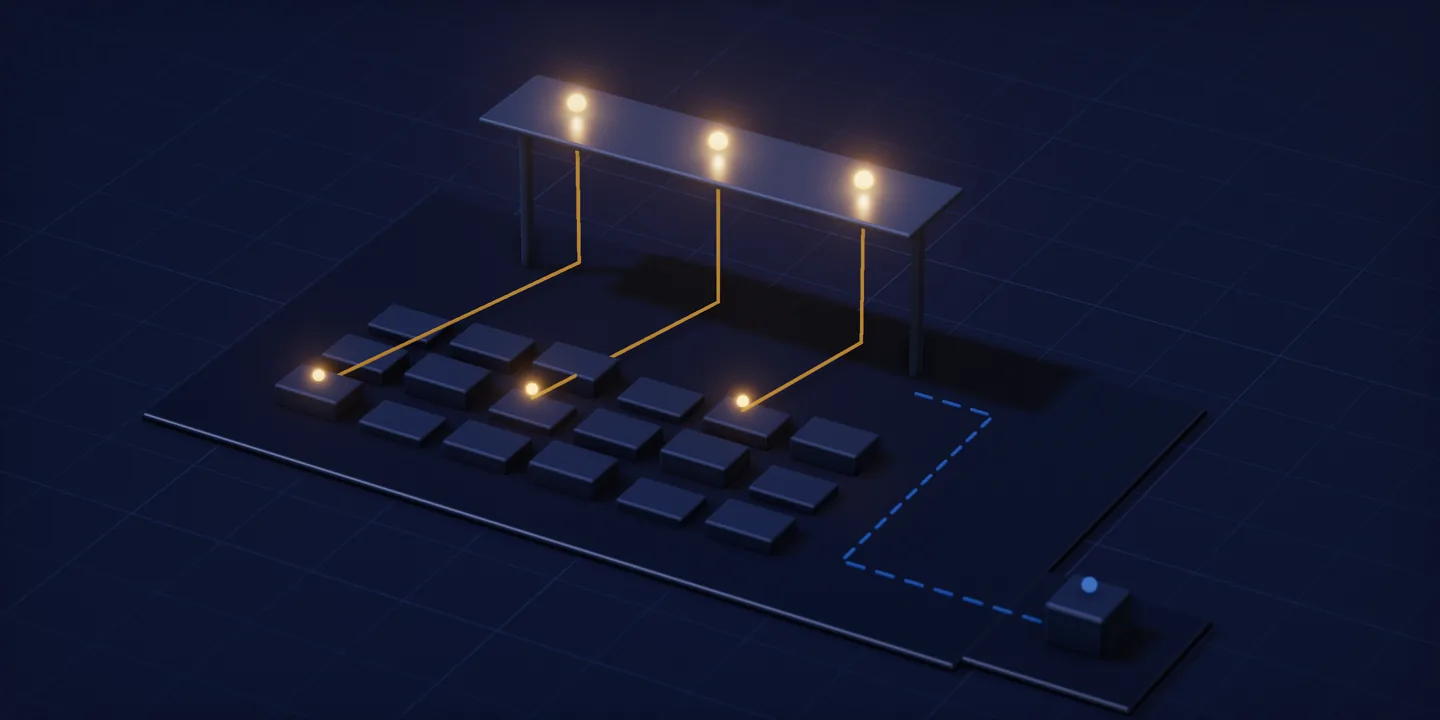
A dashboard is the screen that gathers readings about where a piece of work currently stands into one surface. What gives a number meaning sits off the screen: which decision is waiting on that number, and which record holds the answer, are written alongside the number itself. In the dental clinic CRM, what the manager wanted was an answer: how far along the treatment plan the patient had got.
What a dashboard is: one surface for readings kept elsewhere
Gathering is the whole job. Readings that describe where a business currently stands sit in different records, and a panel brings them onto one surface so that nobody has to open each record in turn. What it amounts to is an arrangement of readings, chosen and placed.
Nothing on that surface originates there. Every figure shown is read out of a record held somewhere else, and the panel reproduces it without owning it. That a panel owns no data sounds obvious once it is written down, and the rest of this article still rests on it, because it is what makes a source compulsory. A figure whose source is unwritten can be drawn on a screen all the same, and nobody will be able to say what it counts.
Delete a panel and the invoices, the bookings and the service calls carry on exactly as before; what disappears is only an arrangement of readings. A report sits in the same category and feeds off the same records, which is why neither surface can be treated as a place where information is kept.
The word travels beyond software, and the overlap confuses conversations. The instrument cluster in front of a driver is called a dashboard, and so is the management screen of a chat or gaming application. This article takes the business sense: a surface someone running an operation looks at in order to decide something.
Not every operation needs one. Where a business runs on a single kind of record, the list screen it already has may answer the same question, and adding a second surface does not make reading easier. It only adds a second place to look. A panel starts earning its keep when the readings it gathers come from records that genuinely sit apart.
A dashboard and a report do different jobs
Appearance is a poor guide here, because the difference between the two surfaces is a difference of unit. An indicator takes one question as its unit: it answers a single thing at a single glance, and what it reports is the current state. A report takes a period and a set of rows as its unit: it lists a chosen range line by line, carries the detail, and expects to be sat down with. One is built to be read while walking past. The other is built to be read while leaning in.
That difference explains the most common disappointment with panels. A figure shown without its detail is not incomplete; detail belongs to the report, and stating the current state belongs to the indicator. A manager reading a panel as though it were a report asks for a breakdown under every figure, and once the breakdown arrives the panel stops being readable, because the single glance it was built for is no longer possible.
Panels also differ among themselves, according to what they are looked at for. One sits there to show how today’s work stands. Another sits there to compare a past period. Each is legitimate, each goes by the name dashboard, and each sets a different expectation of freshness. A reader has to know which kind is in front of them.
Here is the counter case. A panel built for period comparison cannot answer what is happening now. Put two such questions to one screen and one of them is always answered wrongly, and the one answered wrongly is usually the urgent one.
What a KPI is: the decision behind a number
The abbreviation expands to key performance indicator, and a KPI is a measure tied to a target or to a decision. Everything turns on the word tied: the measure on its own is only arithmetic. What turns it into an indicator is that someone would act differently depending on its value. A figure nobody acts on differently remains a perfectly valid measure and simply is not an indicator.
The tie points in more than one direction. Tie a measure to a decision and the question underneath becomes concrete: at this value, what gets done. Tie it to a target and the target itself needs writing down too, because without it nobody can say whether the figure rising or falling was the thing hoped for, and the reading falls back on whatever the reader assumed that morning. Either way a second piece of writing sits next to the indicator.
An untied figure costs more than the space it occupies. It sits on the panel, changes nothing, and after a while the reader stops looking at that corner of the screen. The habit does not stay in one corner. A busy-looking panel ends up more misleading than an empty one, because nowhere on it is there a record of which areas have quietly stopped being read.
Testing the definition backwards is worth the minute it takes. Not every figure that gets tracked has to become an indicator: a total kept so that it exists in the record does not need to occupy screen space. Being in the record makes it available, while reaching the panel is a separate decision that depends on a decision waiting for it. That last point is the door into the rest of the article: because an indicator is defined by a decision, the first line written underneath it has to be a question.
A dashboard request is really a list of questions
“Build us a dashboard” describes a surface. What the sentence leaves out is what will stand on that surface, and that omission is the real gap: which decision is waiting on which question has not been written down anywhere. So asking for a panel turns, in practice, into writing a list of questions, and each line of that list takes the shape of a question.
Writing a line as a question has a practical pay-off, which is that a question can be checked. Look at a line reading “monthly revenue chart” and nobody can say whether it is right or wrong. Look at a line reading “which jobs closed this month without being invoiced” and the person reading it knows what the answer would make them do, and can strike the line out immediately if the answer would make them do nothing.
At the dental clinic CRM where the manager reads the plan, the appointment and the invoice from the same patient record a line of that kind sits at the centre of the work: which step of the treatment plan a patient had reached. The project record also notes the starting position, which was that the manager could not read that step from one place. A line on a question list looks exactly like that sentence.
What made the answer obtainable was a property of the record. Invoice and reporting are read from that same patient record, and why a report counts as a reading of the record that is kept was worked through in the article on which features belong in the first release. The part that matters here is the order of events: because the answer could be read off the record, a surface could exist to show it.
A word on whose question this is. The asker here is the person holding a decision: someone whose behaviour changes when a value changes. Every line of the list attaches to one of that person’s decisions, and whoever holds the decision is also the reader of the indicator. A line with no owner has no indicator under it, because no behaviour depends on the figure.
Lists do not always get shorter. Where two questions sit very close together, one indicator can answer both, and what shrinks then is the number of indicators rather than the number of questions. Pairing questions keeps the information; deleting them throws it away.
The three lines that belong under an indicator
An indicator is complete when three lines sit underneath it. The first says which decision’s question it is. The second says which record the answer is read from. The third says which moment that record carries when it is read. The first two can get written while a panel is talked through, in passing and without anyone calling it documentation. Leave the third out and it appears nowhere at all.
Seeing the three lines filled in differently is more useful than defining them again. Each row below comes from a piece of work we built or run, and the columns hold the question, the source and the moment.
| Indicator: the question of a decision | Which record it is read from | Which moment the record carries |
|---|---|---|
| Which step of the treatment plan are we at | The patient record: plan, appointment and invoice are read from the same record | The moment the record was kept; nothing waits between the keeping and the reading |
| What is the institution’s payment and invoice total | That institution’s own payment and invoice records; the report comes only from its data | The moment the record was entered on the platform; what narrows the figure is the institution’s boundary, not time |
| Has the service record opened in the field been closed | The service record held on the customer and device record | The moment of the last record to arrive at the office; one opened outside coverage waits for the connection |
Read this table down the columns. The first column holds the question of a decision. The second names a different record in every row, and when the name of the record changes the reach of the indicator changes with it. The third column is where the rows come apart, and they come apart for a reason unrelated to the panel: it is the distance each record travels before the panel can read it.
Even with all three lines filled in, an indicator can still be misread. The lines may live in a document and never get printed next to the figure, which leaves the reader looking at the figure alone. A written line only reaches a reader once it appears beside the number, and where that step is skipped the figure travels without it.
The third line is invisible: as of which moment is the number true
What a panel shows is the most recent record to reach it, which is not the same thing as the present, and nowhere does it say how far apart the two are. The reader cannot see that gap, so the reader fills it in, and fills it in as now every single time.
At AlgoKlima field service management, where a technician opens and closes records outside coverage that distance is written into the project record. It is our own product, already live and still gaining features. A service record opened beyond network coverage does not reach the office until the connection comes back. Throughout that window the figure read in the office is short, because the office cannot know about a record that has not reached it. How a record waits out a missing connection, and the order in which the waiting ones travel once there is, was covered in the article on an offline-first field app and its sync. For this article, the distance existing is enough.
The distance belongs to the record’s journey. Refreshing a page, adding an automatic refresh or making the screen live does not fetch the record any sooner; all of those touch the speed of the panel and leave the road the record travels untouched. Raising the refresh rate therefore looks like a remedy while leaving the problem exactly where it was.
Asking for a real-time indicator mixes two separate things: how fresh the reading is, and how long the record takes to arrive. The reading is the part that can be real time. When a record arrives depends on the physical conditions of the work, and those conditions do not negotiate with software. The rule by which a field record has to reach the office belongs to tracking where a recurring job closes, and setting it is not the business of this article.
The price of the missing line is worth naming precisely, because it is easy to name wrongly. What produces the error is the moment assumed underneath the figure. Where nothing beside an indicator says which moment it belongs to, the reader reads it against their own clock and decides against that assumption. Printing the line makes the assumption behind a decision traceable afterwards.
In a business where every record is written in one connected place, this line stays close to empty: a record can be read the moment it is written. Writing it anyway stays cheap, because the day any part of the work moves into the field the line is already there waiting. One distinction should be kept clear throughout. The fault discussed here is a record arriving late. The record itself is correct and complete; it simply has not yet reached the place the panel reads from.
Scope: whose records enter this number
The second line says more than which kind of record is involved. It also says whose records, and that second half can go unwritten. The same question, at the same moment, with a different scope, produces two different figures, and both of them are correct.
At Vipkurum, where a manager’s reports come only from that institution’s own data the scope is written into the definition of the report. The project record states it directly: invoice, payment and analytics reports stay inside the boundary of the manager’s own institution, and one institution’s records are not visible to its neighbour. A report carrying one name therefore gives different managers different figures on that platform. An indicator defined against the same boundary behaves the same way, and the gap between two such figures is what scope produces.
On screen, scope looks like a filter, and that resemblance is where the distinction gets lost. A filter is something chosen at the moment of reading: you open it, you close it, the figure moves. Scope is part of the indicator’s definition and is written where the figure is computed. Because the filter and the scope look alike in the interface, readers assume scope can be toggled the same way.
The practical test is what happens when either one changes. Change a filter and the definition of the indicator stays put while the set being looked at moves. Change the scope and the indicator becomes a different indicator, and yesterday’s figure stops being comparable. That is why the scope line belongs to the name of the indicator itself.
Where scope is unwritten, two readers look at the same indicator, see two different figures, and both are right. The argument that follows attaches itself to whether the number is accurate, while the thing needing discussion is the scope. How an institutional boundary is tested through a report at acceptance was worked through in the article on what to test before accepting software; here the boundary appears only as a part of an indicator’s definition.
Nor is the boundary always an institution. In a single business, scope is usually a branch, a team or a period instead. What changes between businesses is the name of the boundary. The line underneath the indicator does not change, and it has to be there either way.
Two indicators side by side do not share a moment
Put two figures next to each other on one screen and the reader assumes they belong to the same moment. Nothing in the frame says so. Placement alone carries the suggestion, and a decision then gets made on a sentence that was never written.
Where a record is written decides which moment an indicator carries. In the clinic the record is kept in the clinic’s own system and the manager reads from that same record, with nothing waiting between the keeping and the reading. In a business with work in the field there is such a stage. At AlgoKlima the record sets off and spends time on the road. Setting those facts next to each other is what makes the third line look necessary.
Put two indicators whose third lines differ into one frame and the pair gets read against a shared moment that nothing on the panel vouches for. That is a rule about reading: it describes what a reader assumes while the line is missing. The remedy is a piece of writing, which is to print next to the indicator which moment it belongs to.
Aligning every indicator to one moment is another available path. A panel can take the moment of the latest record to arrive and present everything as of then. The cost is that fast-arriving figures get aged for nothing, and which path is preferable depends on how much waiting the decision tolerates. Either path requires the third line to exist in writing first.
So who writes the first question that goes on your screen: the person making the decision, or the person drawing the screen? Whoever writes the list of questions turns out to be the decision holder every time, and that is not a list we can write on your behalf. Our work on in-house software where the rule and the visibility are written into the record starts by taking that list.